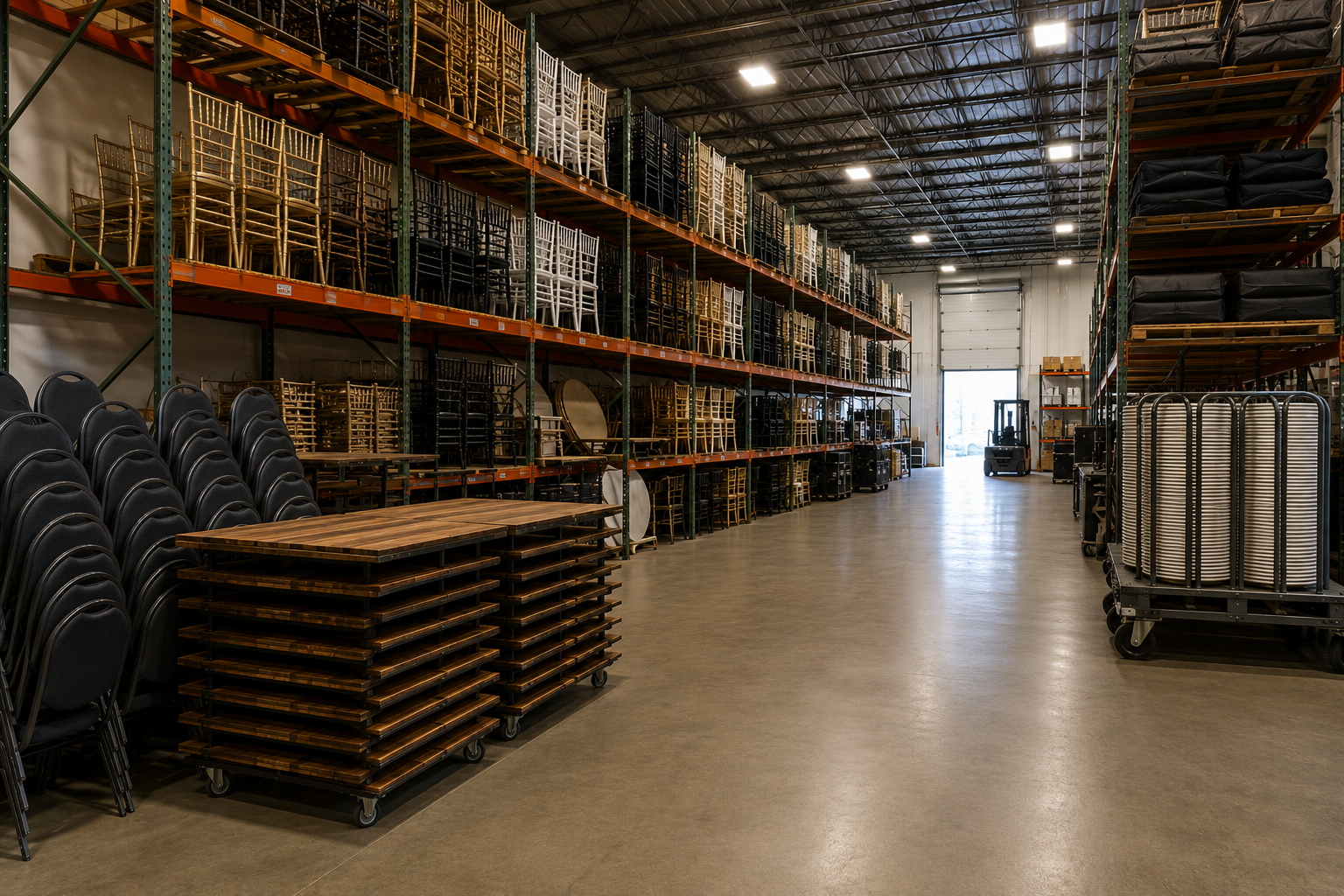
If you’ve been in rentals for any amount of time, you’ve dealt with it: inventory that just… sits.
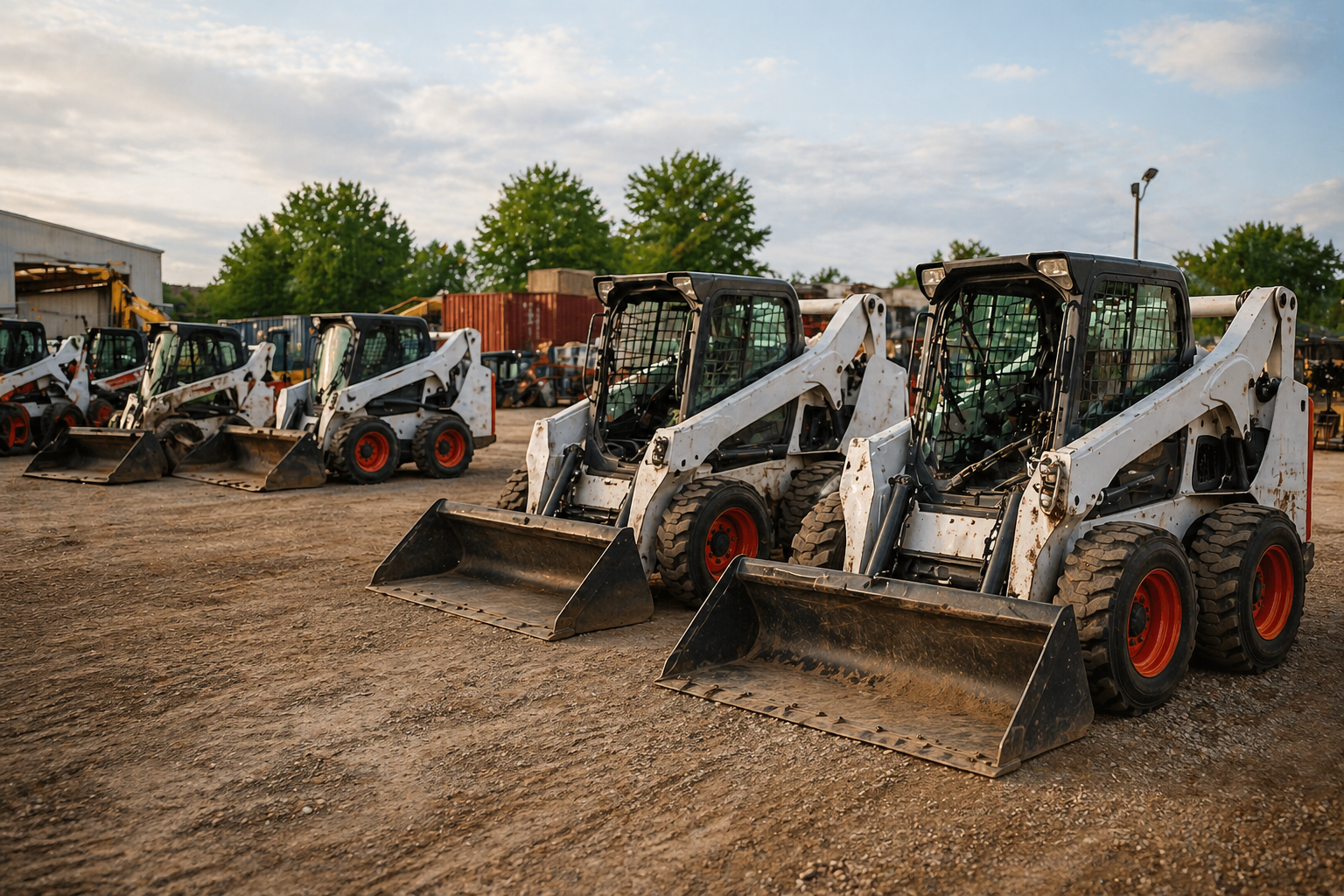
Whether it’s a skid steer sitting in the yard or a stack of chairs collecting dust, that inventory isn’t neutral. It’s taking up space, tying up capital, and quietly dragging on your margins.
In this guide, we’ll show you what’s actually causing idle inventory and how to turn it into revenue, with a breakdown for both tool and equipment rentals and party and event businesses.
Table of Contents
What Type of Rental Business Are You Running?
If you’re dealing with idle inventory, the cause and the fix depend on the type of rental business you run.
In most cases, it comes down to one of two things: utilization or demand.
Jump to the section that matches your business:
- Tool & Equipment Rentals: Your challenge is typically utilization, which means equipment is sitting between jobs, underused across locations, or not allocated efficiently.
- Party & Event Rentals: Your challenge is usually demand; inventory that isn’t being selected, bundled, or surfaced effectively to customers.
If your business overlaps with both, start with the section that feels closest. You’ll likely find opportunities in each.

Tool & Equipment Rentals: How to Monetize Idle Equipment
Most of the time, idle equipment for tool and equipment rentals comes down to a few operational gaps:
- Equipment isn’t marked as available after a job ends
- It’s sitting at the wrong yard or job site
- It needs maintenance or inspection before it can go back out
- Scheduling teams can’t see what’s actually available
- There’s a gap between when it returns and when it’s needed next
- There’s more of that asset than the current demand supports
The sections below break down how to get idle equipment back into use faster and increase revenue.
Tighten Warehouse Check-In Processes
After a job wraps, there’s a handoff; equipment comes back, gets checked in, inspected, cleaned, and staged for the next rental.
When that process isn’t clear or consistent, things slow down. Items sit waiting to be processed, statuses don’t get updated, and equipment that could go back out stays idle.
Start by defining a clear process for every return: check-in, inspection, maintenance (if needed), and staging. Each step should have a clear owner, and equipment should move through it without sitting in between.
From there, make it visible. Use consistent statuses so your team can see what’s checked in, what’s being worked on, and what’s ready to go. If something is sitting, it should be obvious why.
If you aren’t sure where to start, check out our top warehouse processes to streamline operations!
Use a Live System for Equipment Availability
Equipment doesn’t get used if your team doesn’t know it’s available.
In most operations, availability is tracked across multiple locations. Someone in the yard knows it’s back, someone else updates a spreadsheet later, and the scheduling team works off something that may or may not be current.
That’s how equipment sits idle while something else gets rented instead.
To fix that, availability needs to be updated in real time and be visible to everyone, including warehouse, operations, and scheduling, all in one place.
When equipment is checked in, inspected, or moved, its status should change immediately. The team assigning the next job shouldn’t have to ask where something is or whether it’s ready. They should be able to see it.
To compare system options, check out this software comparison guide: Top 10 Inventory Management Software Options for Rental Companies
Align Your Fleet with Actual Demand
Some equipment sits idle because you simply have too much of it.
That usually happens after a large job ends, demand shifts, or purchasing decisions don’t align with how equipment is actually used.
Look at utilization over time. If certain assets are consistently underused, it may be a sign to reduce inventory, rotate them out, or avoid expanding that category further.
Party & Event Rentals: How to Get Idle Inventory Moving
For party rentals, a big reason that good inventory sits idle is simply that it doesn’t make it into the customer’s decision path.
Meaning they just didn’t see it.
When customers are choosing rentals, they go with what’s easiest to understand and quickest to book.
Over time, the same items get booked repeatedly, while others remain in the warehouse simply because they’re never presented to the customer in a way that drives selection.
So, how do you fix it?
Bundle It Into Packages
Idle inventory is more likely to move when it’s part of a complete setup.
Most customers aren’t trying to piece together every item individually. They’re looking for something that already makes sense for their event, whether that’s a wedding setup, a backyard party, or a corporate package.
When inventory is only listed as individual items, anything that isn’t essential tends to get skipped.
Bundling solves that.
By grouping slow-moving items with high-demand rentals, you remove the friction of choosing them.
Instead of asking a customer to decide on one more item, present a complete solution that already includes it.
Make Sure People Understand What It Is
Inventory gets skipped when people don’t know what it is or how it fits into an event.
On the customer side, that usually comes down to presentation. If photos don’t clearly show the item in a real setup, or descriptions don’t explain where it’s used, it’s easy to ignore—especially when customers are moving quickly.
On the backend, the same thing happens. If your team isn’t familiar with an item, doesn’t know what it pairs with, or can’t confidently explain it, they’re less likely to include it in a quote.
That’s how inventory falls out of rotation.
If something isn’t getting booked, look at how it’s being presented. Does it show up clearly in photos? Is it labeled in a way that makes sense? Could someone new to your team understand what it’s for without asking?
If not, it won’t get picked.
Price it to Move
If something isn’t moving, pricing is one of the fastest ways to change that.
Start by identifying items that haven’t been booked in a while. From there, adjust how they’re priced so they’re easier to say yes to:
- Lower the price slightly so it becomes an easy add-on instead of a considered decision
- Include it in packages at a better overall value instead of pricing it as a standalone item
- Group similar items at different price tiers so customers naturally trade up or down
- Run short-term promotions on overstocked items to get them back into rotation
The goal isn’t to hold the price on something that isn’t renting. It’s to get it moving and generating revenue again.
Bring Idle Inventory to the Top of Your Shop
Start by looking at your online shop and quoting flow from a customer’s perspective. Are underutilized items visible on your main shop pages? Are they included in featured collections, or are they only accessible if someone goes searching for them?
If they’re buried, bring them forward.
That might mean featuring them on your shop homepage, including them in top-level categories, or surfacing them alongside your most popular rentals so they’re seen during the decision process.
If you’re using TapGoods PRO, you can control this directly by prioritizing which inventory appears at the top of your storefront, so you’re not just hoping customers find it; you’re intentionally putting it in front of them.
When Is It Time to Sell Idle Inventory?
Not all idle inventory should be fixed; some of it should be sold.
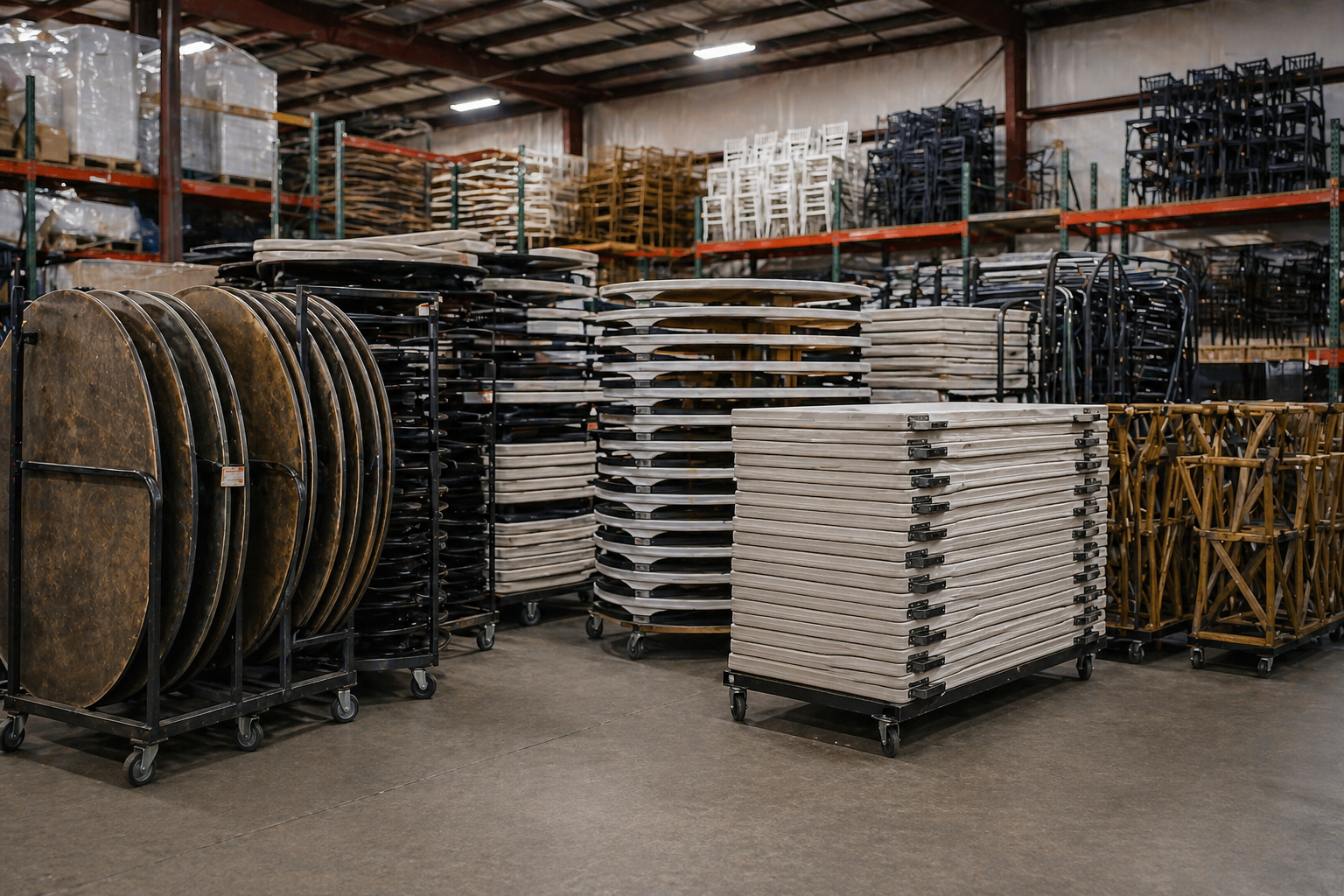
At a certain point, keeping equipment or inventory that isn’t being used stops being a utilization problem and starts being a cost problem. It’s taking up space, tying up capital, and pulling attention away from the assets that actually generate revenue.
The challenge is knowing when you’ve reached that point.
A few clear signals to look for:
- It hasn’t been rented in months, even during busy periods
- You’ve already tried bundling, repositioning, or adjusting pricing—and it still doesn’t move
- It only gets used in very specific scenarios that rarely come up
- You have more units than your current demand supports
- It requires ongoing maintenance or storage without generating consistent revenue
When you start seeing those patterns, it’s worth stepping back and asking whether that inventory still belongs in your business.

Need Help Fixing Idle Inventory?
The good news is that most idle inventory problems aren’t random! It comes down to visibility, process, and positioning. When you tighten operations, surface the right inventory at the right time, and align your offerings with demand, you can turn “dead” assets back into revenue-generating ones.
That’s exactly where the right system makes the difference.
If you’re still relying on spreadsheets, clunky legacy tools, or manual workflows, you’re likely leaving utilization and revenue on the table. TapGoods PRO is built to give you real-time visibility into your inventory, streamline operations, and help you actively drive demand for the items that need it most.
If you want to see how it works in practice, schedule a demo with the TapGoods team. We’ll walk you through how to reduce idle inventory, increase utilization, and get more out of the assets you already own.
Other Blogs You May Find Interesting:
Frequently Asked Questions
Idle inventory refers to equipment or rental items that are not currently generating revenue. This includes items sitting between jobs, inventory that isn’t being booked, or assets that no longer match demand.
Over time, idle inventory ties up capital, takes up space, and reduces overall profitability.
Rental inventory typically goes unbooked due to a lack of visibility, unclear positioning, or pricing friction. If customers or internal teams cannot easily see or understand an item, it is less likely to be selected.
In many cases, inventory sits idle not because it lacks value, but because it is not effectively surfaced during the booking process.
Reducing idle inventory comes down to improving visibility, tightening operations, and increasing demand. When your team can clearly see what is available, inventory moves faster between jobs.
When items are presented and priced effectively, they are more likely to be booked. Small improvements across these areas can significantly increase utilization and revenue.
Event rental inventory gets booked more often when it is easy to understand and easy to select. Customers are more likely to choose items that are clearly presented, visually styled in real setups, and included as part of complete packages. When inventory is surfaced effectively in the storefront or quoting process, booking rates increase.
Software helps reduce idle inventory by improving visibility, coordination, and demand generation. With a centralized system, teams can track availability in real time, streamline operations, and surface inventory directly to customers. TapGoods PRO brings these functions together, helping rental businesses reduce downtime and increase utilization without adding more inventory.
Real-time inventory visibility means knowing exactly what is available, where it is located, and whether it is ready to rent at any given moment. This matters because inventory cannot be booked if it is not visible. When teams operate from a single, up-to-date system, they can make faster decisions and avoid leaving equipment idle.
Idle inventory costs a rental business through lost revenue, ongoing storage, and maintenance expenses. It also ties up capital in assets that are not producing returns. Even modest improvements in utilization can lead to meaningful increases in overall profitability.
Unused rental inventory should be sold when it consistently fails to generate revenue despite repositioning, pricing adjustments, or bundling efforts. If an item has not been rented in months or no longer aligns with demand, it may be more valuable to convert it into capital that can be reinvested elsewhere.
TapGoods PRO helps reduce idle inventory by connecting inventory management, operations, and demand generation in one system.
With real-time availability, streamlined workflows, and an integrated storefront, rental businesses can increase utilization and generate more revenue from the assets they already own.