When people search for warehouse management processes, most of the content they find is written for fulfillment centers, manufacturers, or distributors. But warehouse management looks very different for rental companies.
This article breaks down the core warehouse management processes through a rental-specific lens, showing how they support asset readiness, scheduling accuracy, and service delivery.
Whether you rent event inventory, tools, or heavy equipment, these processes protect revenue, prevent shortages, and keep operations running smoothly.
Table of Contents
Why Warehouse Management Processes Are Different in Rental Operations
Most warehouse systems were built for a simple flow: receive inventory, store it, pick it, ship it, and it’s gone. Rental operations break that model completely.
A rental warehouse must manage:
-
Assets that leave and return repeatedly, often on different schedules
-
Reservations that overlap in ways that aren’t visible from a static inventory count
-
Equipment that is physically in the building but unavailable due to cleaning, repair, or inspection
-
Delivery, pickup, prep, and service buffers that shift availability windows
-
Bundled or kitted inventory where one missing component makes the entire set unrentable
In rental operations, warehouse management and scheduling are inseparable. Availability is not just “Do we have it?”, it’s “Will it be ready, inspected, and allocated at exactly the right time?”

Process 1: Use a Status-Based Check-In Process
If you’ve managed a rental warehouse for any length of time, you’ve probably said some version of this:
“Don’t mark that available yet.”
“Has that been cleaned?”
“Did anyone check that?”
“Is that actually ready to go back out?”
That instinct is correct. But if you’re also the person who always knows where everything is and what to do next, you’ve become the system. That works at a small scale, but as your business grows, that can become a bottleneck.
The Process
This is what we see high-performing rental warehouses standardize:
- Step 1: Scan Returns Against the Order and Flag Missing Inventory
- Step 2: Capture Condition — Don’t Make Availability Decisions Yet
- Step 3: Move the Item Into a Defined Workflow (Cleaning, Maintenance, Repair)
- Step 4: Release to Available Only After the Workflow Is Complete
These steps may look different for each operation, but the general idea will remain the same. The actual work for this process is standardizing Step 3, which is the defined workflow (and statuses associated with it).
Defining Your Core Statuses – “Checked In” Is Not Clear Enough
Physically present (checked in) isn’t the same as ready to rent. No experienced operator believes those are equal.
And yet, under pressure, they may get treated that way by a team with limited resources and time.
The way high-performing rental operations prevent that blur is by standardizing statuses and documenting them so the team doesn’t have to worry about (or bother you with) what happens next when inventory comes back.
Your statuses should answer one simple question: What happens to this item next?
If your team can’t clock out immediately after check-in and jump in the next day, knowing what happens next, there’s probably a gap in the process.
Your System Should Reflect Your Processes
If your system forces you to use generic labels like “Available” or “Checked In” that don’t reflect your warehouse’s actual workflow, you’ll end up managing status transitions manually. That puts the burden back on memory and tribal knowledge.
Strong rental systems allow you to customize and enforce statuses so they mirror your actual intake, cleaning, and maintenance process

Process 2: Separate “Where It Is” From “Whether It’s Ready”
If your check-in process has four stages:
-
Return Scan
-
Condition Capture
-
Cleaning / Maintenance Workflow
-
Release to Available
Your warehouse should reflect those same stages physically.
1. Return Intake Zone
This is the first place inventory should land when it comes back. Nothing leaves this zone until it has:
-
Been counted
-
Been inspected
-
Been assigned a next status
If items drift from trucks straight to shelves, you’ve bypassed your control point. No item should leave this area until your team has physically logged what happens to it next.
Treat this area as a favor to your future self. Not fun, but you will never regret the documentation done in this zone.
2. Cleaning Zone
In this zone, you should clearly define “dirty” and “clean” sides and standardize cleaning carts or stations. This may mean standardizing cleaning procedures as well.
If you have a post-cleaning inspection process, make sure to mark a location for those items as well.
Remember, if the clean and dirty inventory mix, your Ready-to-Rent zone becomes unreliable.
3. Maintenance/Repair Zone
Any item flagged for repair or service goes here immediately. To keep this area efficient:
- Tag items with visible issue notes, or work order ID’s
- Separate a quick-fix rack from long or complex repairs
- Create a clearly marked “Awaiting Parts” section
- Store tools and parts within arm’s reach of common repair types
- Review backlog weekly
4. Ready-to-Rent Zone
It is the only zone that should feed allocation and loadout. Without a clearly defined Ready-to-Rent zone, the entire structure collapses into “it’s somewhere.”
To keep this area efficient:
-
Only allow items that have completed intake and any required workflow
-
Physically separate from cleaning and maintenance zones
- Use consistent labeling and rack organization
Keep kits and bundled items fully assembled before they enter this space. Partial kits belong upstream. If team members still feel the need to double-check items in this zone “just to be safe,” something in the upstream workflow needs tightening.
Process 3: Model Availability Around Operational Constraints
In rental operations, availability is rarely just a date question. An item may not be double-booked on the calendar, but that doesn’t mean it’s realistically ready for the next job.
Between reservations, inventory may require:
-
Cleaning or reset time
-
Maintenance clearance
-
Delivery and pickup buffers
If those constraints are not reflected in your system, compression shows up late… often during staging. And that’s when adjustments are hardest.
The Process
-
Identify your real operational constraints: How long does cleaning actually take? Do certain items require inspection between uses? Are maintenance holds automatically enforced? How often do late returns impact turnaround?.
-
Ensure your software can reflect those constraints: Can it account for prep time buffers? Maintenance? Can incomplete kits become available? Is delivery and pickup timing accounted for?
The great thing about this process is that if you have great rental software, you don’t have to enforce this manually. Software should:
-
Block maintenance items from appearing available.
-
Respect prep and cleaning buffers.
-
Prevent incomplete kits from being allocated.
-
Surface conflicts before staging begins.
If it doesn’t, your team becomes the safety net, and problems surface at the worst possible times.
Where Software Matters
Not all rental software is designed to model availability beyond basic date overlap. Some platforms prevent double bookings well, but require manual process discipline to account for prep time, maintenance, or operational buffers.
Rental-first platforms like TapGoods are designed to model availability based on real rental operations, so constraints are enforced at the system level rather than carried manually by the team.
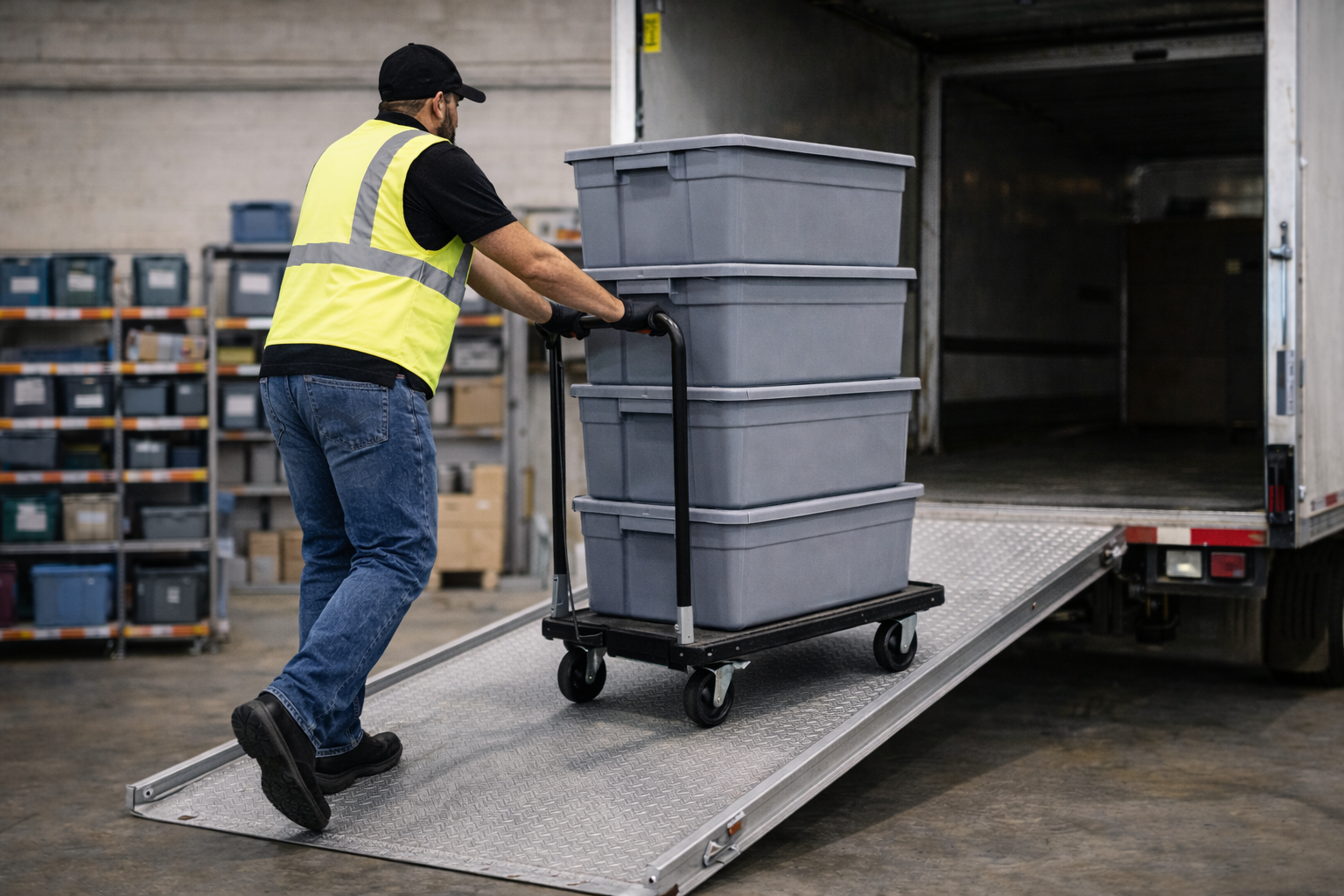
Process 4: Validate Before the Truck Moves
Dispatch is the last irreversible step in the warehouse. And if something breaks here, it rarely started here.
-
Missing components? Allocation issue.
-
Dirty inventory? Workflow issue.
-
Maintenance item missing? Status control issue.
-
Last-minute substitution? Constraint modeling issue.
Dispatch doesn’t create most errors. But it is where they should be caught.
The Process
Before any truck leaves, run a short validation sequence. This should happen every time, in the same order.
- Step 1: Confirm Allocation Match: Verify that the items being loaded match what was allocated to the order. If substitutions were made, document them before departure.
- Step 2: Verify Kit & Component Completeness: Confirm all required components and accessories are present.
- Step 3: Validate Route & Documentation: Confirm stop sequence, delivery notes, and required paperwork or digital documents before departure.
When the earlier processes are working — status control, serviceability zoning, and constraint-based allocation — dispatch becomes confirmation, not discovery.
Process 5: Use a Controlled Overbooking Protocol
If your team intentionally allows overbooking, formalize how it is handled.
Most rental businesses already have acceptable resolution options — transfer inventory, substitute equivalent items, subrent, purchase additional units, or adjust scheduling. The difference between controlled overbooking and operational strain is whether those responses are structured.
A documented overbooking protocol should clarify four things:
Escalation Rules
At what shortage threshold does sales need approval before confirming an order? When does purchasing get involved? Who has the authority to approve subrent costs? If escalation is unclear, resolution slows down.
Financial Guardrails
What margin threshold justifies subrenting instead of declining? At what point does repeated overbooking trigger a purchasing review? Overbooking can signal demand strength — but only if it’s tracked intentionally.
Timing Requirements
By when must an overbooking be resolved before staging begins? A shortage identified days in advance is manageable. An unresolved shortage at loadout is exposure.
Documentation Standards
If substitution or subrent occurs, is it logged in the system? Can leadership analyze how often overbooking happens and how it’s resolved? Without documentation, overbooking becomes anecdotal instead of strategic.

How TapGoods Pro Supports Rental-Specific Warehouse Management
The warehouse management processes described above reflect real rental operations—and they’re exactly what TapGoods Pro is designed to support.
TapGoods Pro helps rental companies:
- Manage scheduling-aware inventory availability, including prep time, maintenance holds, delivery and pickup windows, and late returns
- Clearly surface overbookings and shortages, not just by date overlap but by operational reality
- Identify which specific components within a kit or bundle are causing conflicts
- View and transfer inventory across multiple locations with confidence
- Track subrentals, vendors, and costs alongside owned inventory
- Use customizable, color-coded warehouse statuses to match real workflows
- Manage will-call and customer pickup processes
- Capture photos and signatures at delivery and pickup, attached directly to the order record
Schedule a demo of TapGoods Pro to see how rental-first warehouse management works in practice.
Ready to Get Started?
Rental warehouse management isn’t complicated because inventory is complicated. It’s complicated because timing, condition, and commitment all intersect.
As rental operations scale, the difference between smooth growth and operational stress usually comes down to one thing: whether your processes — and your software — reflect how your warehouse actually works.
If you’re looking to align your warehouse processes with software that supports them natively, schedule a demo with TapGoods and see how it works in practice.